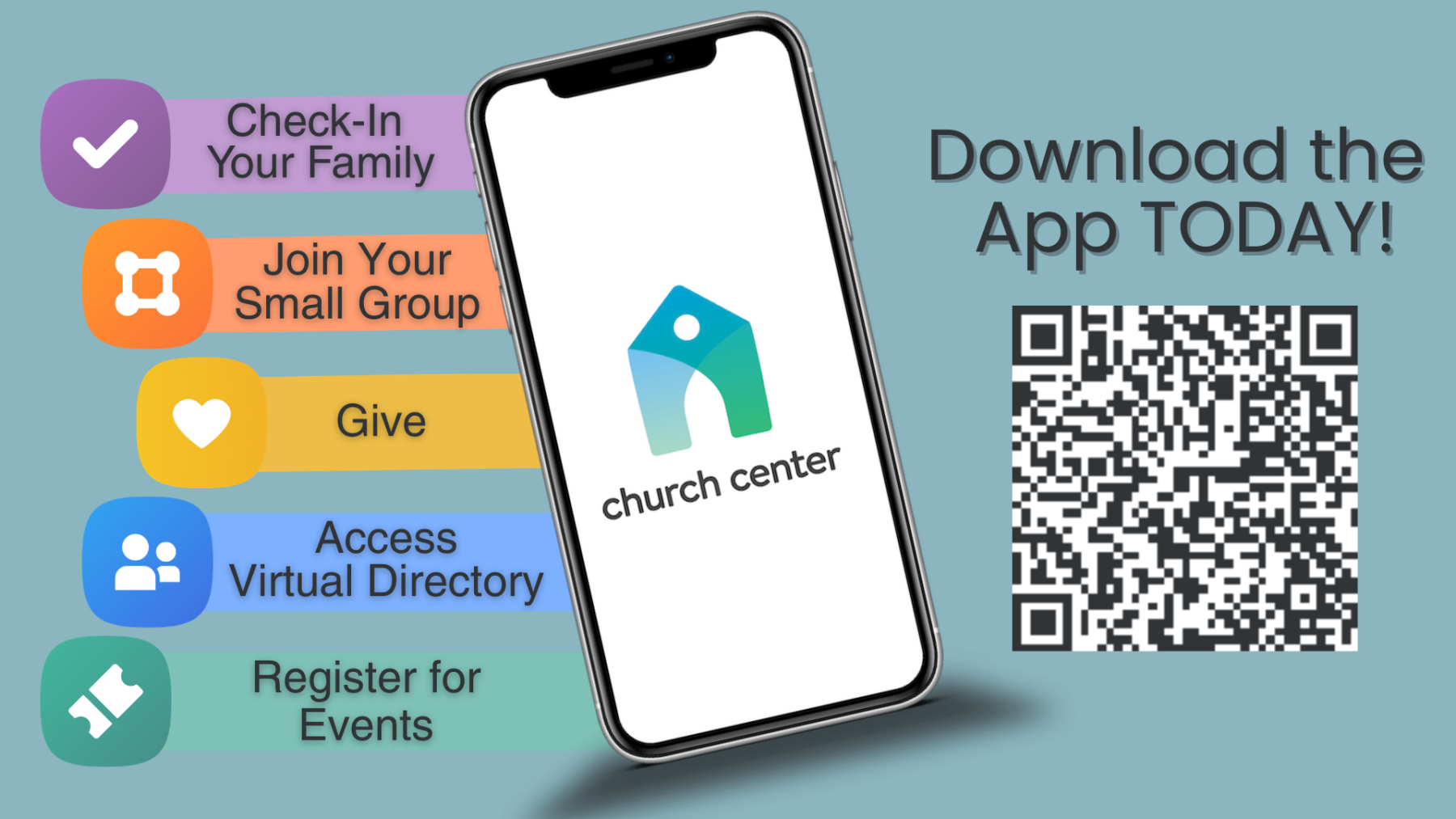
Download the Church Center app on your smart phone for a quick and easy way to stay connected with Holland's!
Through Church Center, you are able to check-in to worship, view website links, view & interact with groups you are a member of (Bible studies, Sunday School, etc), sign-up for church events and upcoming Bible studies, view the church calendar, fill out forms, view the church directory*, and more!
*If you would like to join the church directory, please send an email to admin@hollandschurch.org. Only the information YOU select will show up on the directory.
How do you get started?!
1- Download the Church Center app on your smart phone: Click HERE for Apple or HERE for Android.
2- In the app, search for Holland's Church (our address is 9433 Ten-Ten Road, Raleigh, 27603).
3- You will receive a verification code via text message to enter into the app to verify you are YOU.
4- Once you are logged in, you will be able to update your personal information. You can also update information for other members in your household (spouse/children/etc). This is also where you can select if you want any of your contact information to appear in the Directory section.
Through utilizing this app, we will be able to fully capitalize on the many benefits and become more connected as a church!
If you have any questions or need help download the app, feel free to to call the church office, or stop by during office hours and speak with Katie.


 Live Steaming

 Groups
